
Start with COME Fantasy
Open Fantasy for prediction questions, match lists and its own rules.
Read the Fantasy walkthrough →Start your COME APK download with v1.13, released 25 September 2026. Follow the installation steps, then choose Fantasy, Sports or Casino. Already have COME? Check your version before downloading again.
Already installed? Open COME on your phone. Need login help?
Swipe to explore. Tap a screen to enlarge.
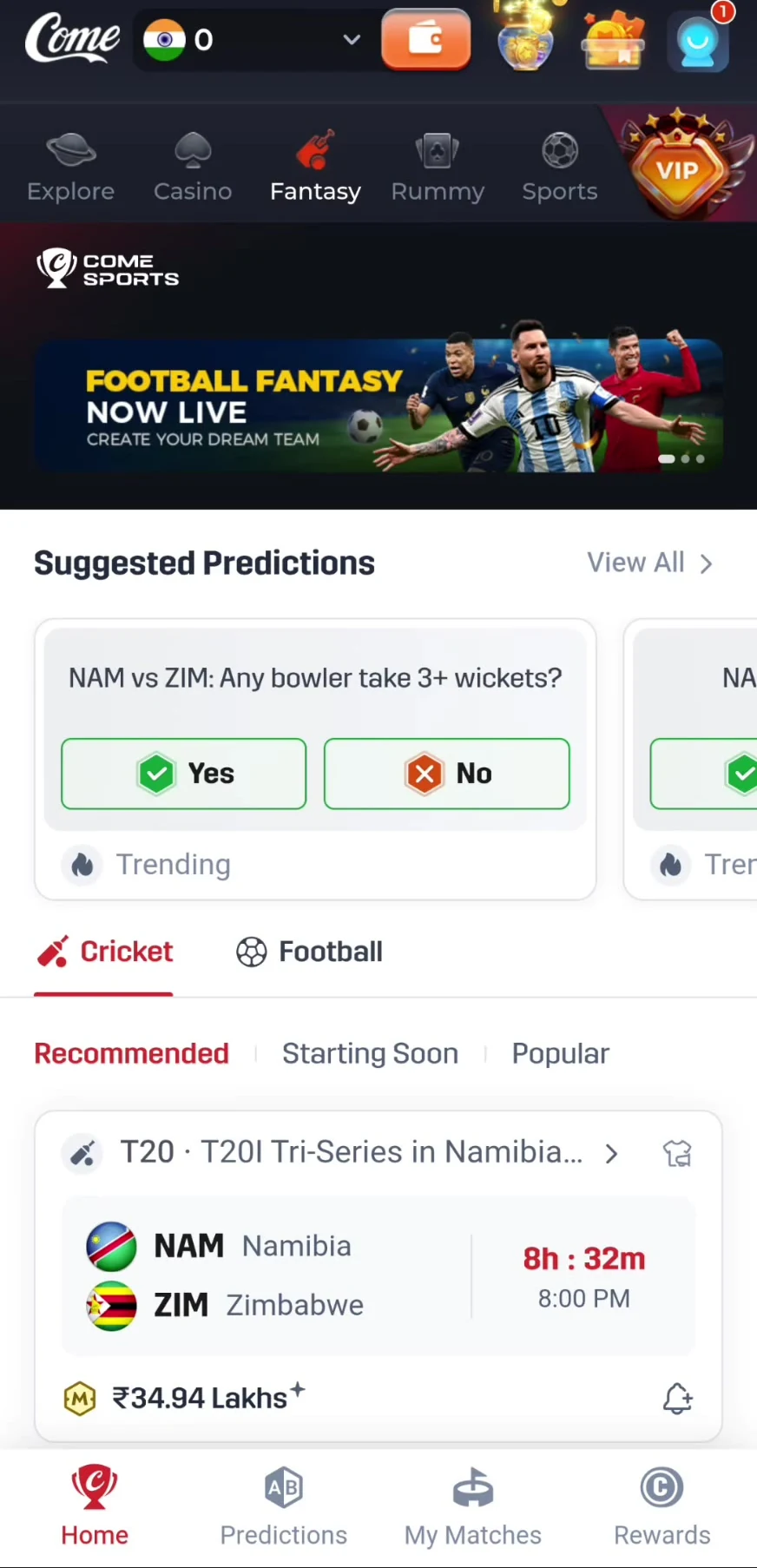
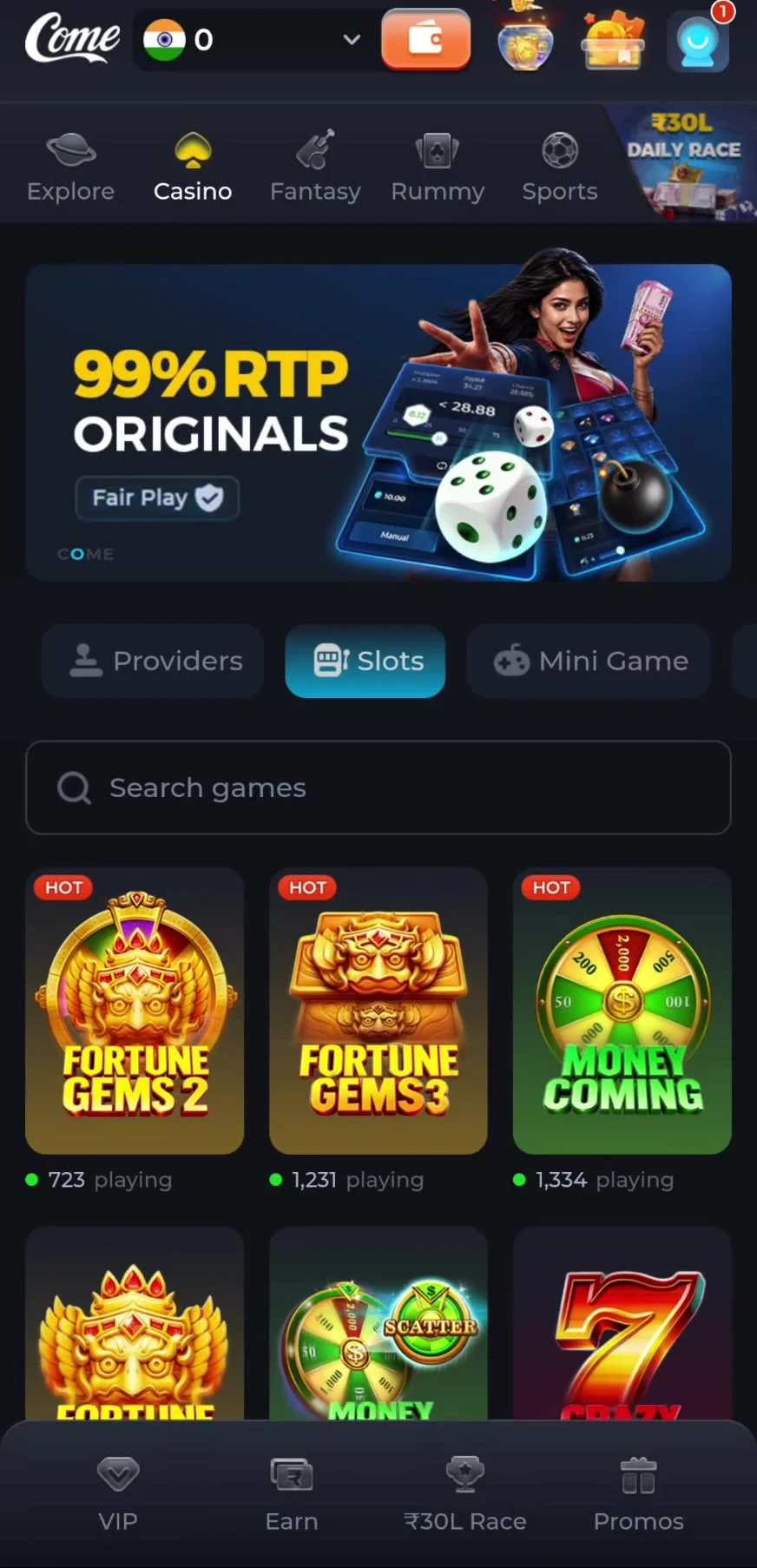
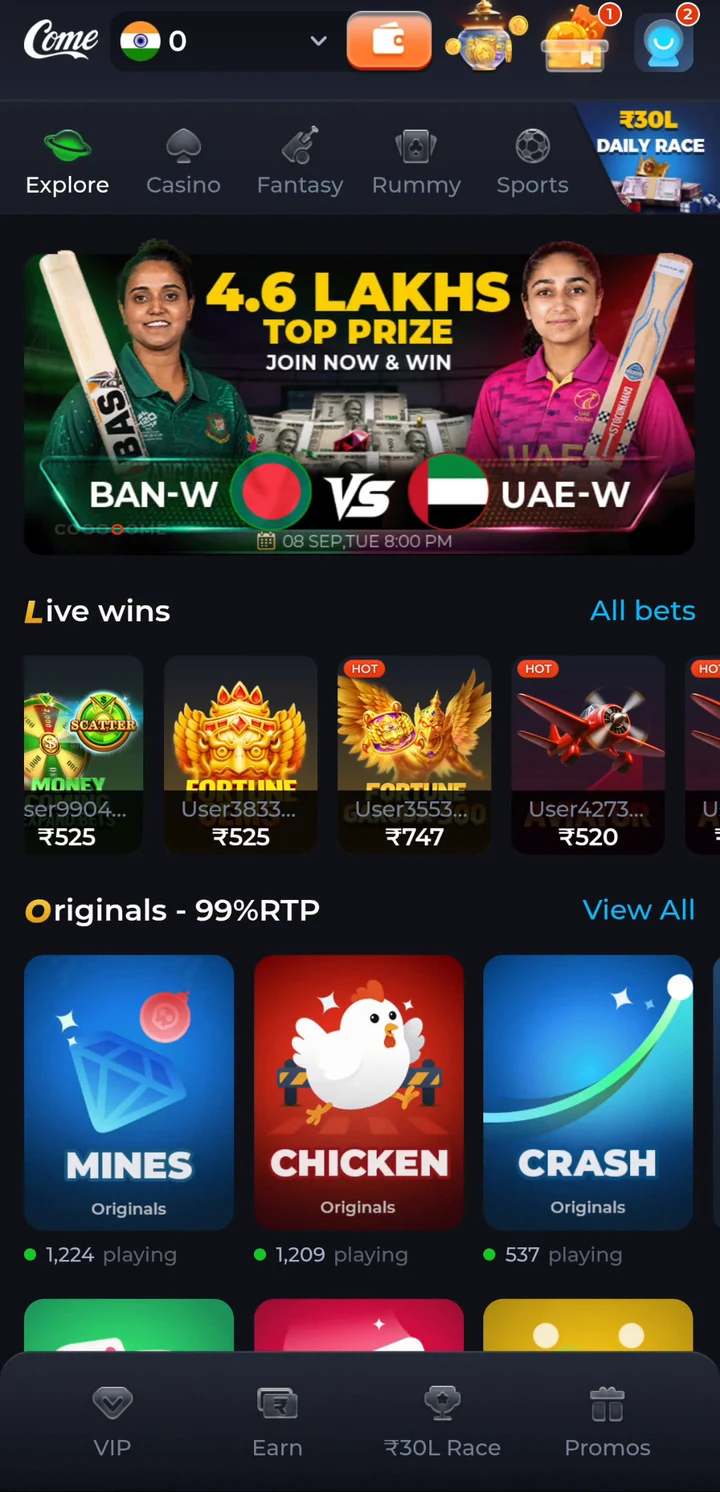
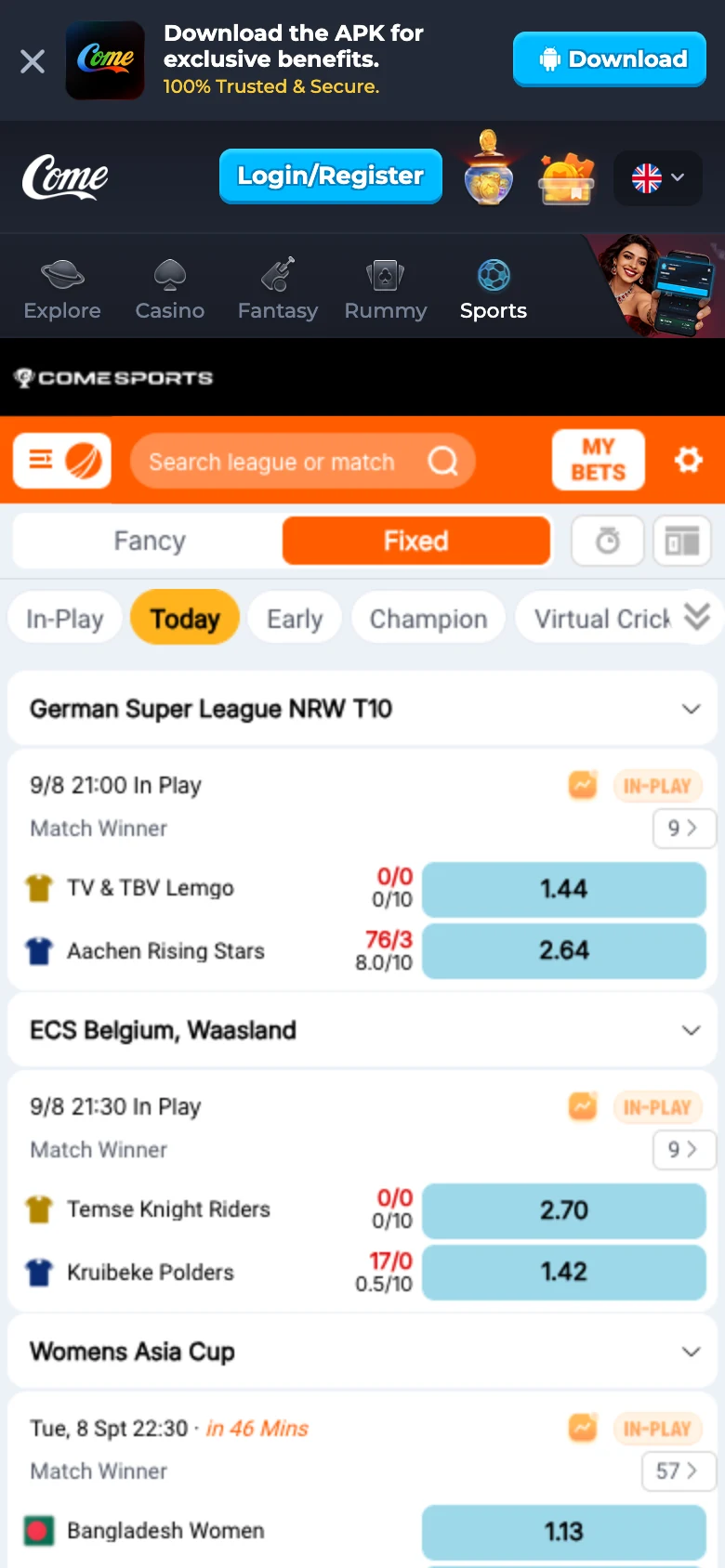
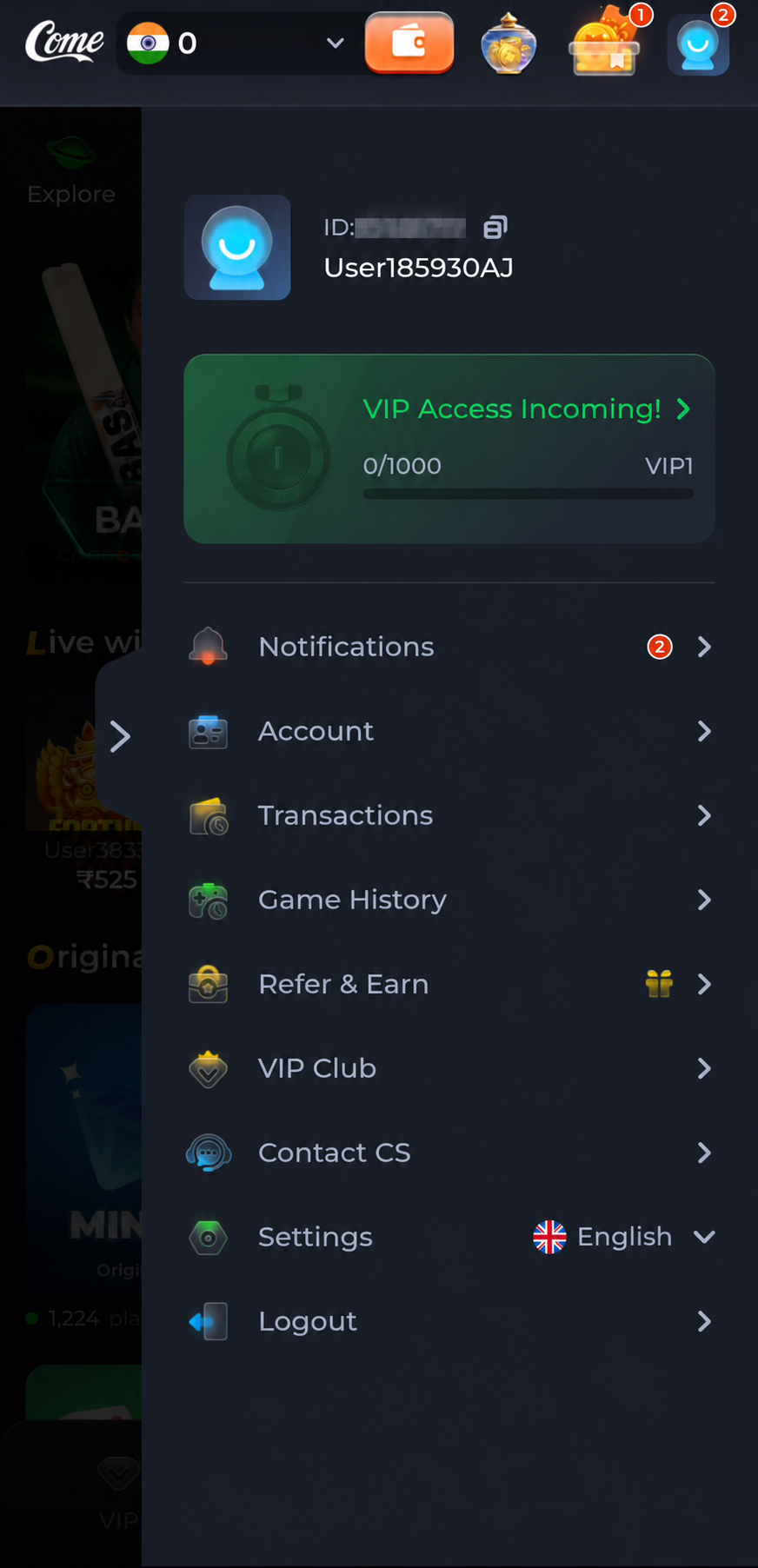
Screens from September 2026. In-app content may change.
Latest confirmed version: v1.13 · Released 25 September 2026. Open the download page, choose the Android APK and install the completed file. Already have COME? Check the current COME version first.
| Version | v1.13 |
|---|---|
| APK size | 3.1 MB |
| Release date | 25 September 2026 |
| Device | Android phone; compatibility depends on the current package and device. |
| Download method | The button opens an external page where you choose the APK. |
For the package size and technical version inside the file, see APK file details and verification.
Ready for the current release? Open the COME APK download page and choose the Android file.
Finished: COME opens and you can reach its start or account screen. For phone-specific menus, use the full Android installation guide.
If this is your first installation, continue to the COME APK download page and follow the steps above. Already installed users can open their existing app.
Open Fantasy for prediction questions, match lists and its own rules.
Read the Fantasy walkthrough →Choose Sports → Cricket or Football for fixtures, scores and markets.
Read the Sports walkthrough →Use the Casino or Rummy category and read the rules for the game you select.
Browse COME games →| Your situation | Next step |
|---|---|
| COME is already installed | Compare with the current COME version |
| The download page will not open | Check the browser and connection |
| The APK will not install | Match the error to an installation fix |
| The file details look different | Compare the version, size and checksum |
| You cannot sign in or need account help | Open login and in-app support help |
| You are moving to another phone | Keep access to your existing account |
If COME opens normally, use your installed app. Open Contact CS → Customer Center for Live Chat, tickets and account help. A new APK is not the first step for a withdrawal or match query.
Find login and support instructions →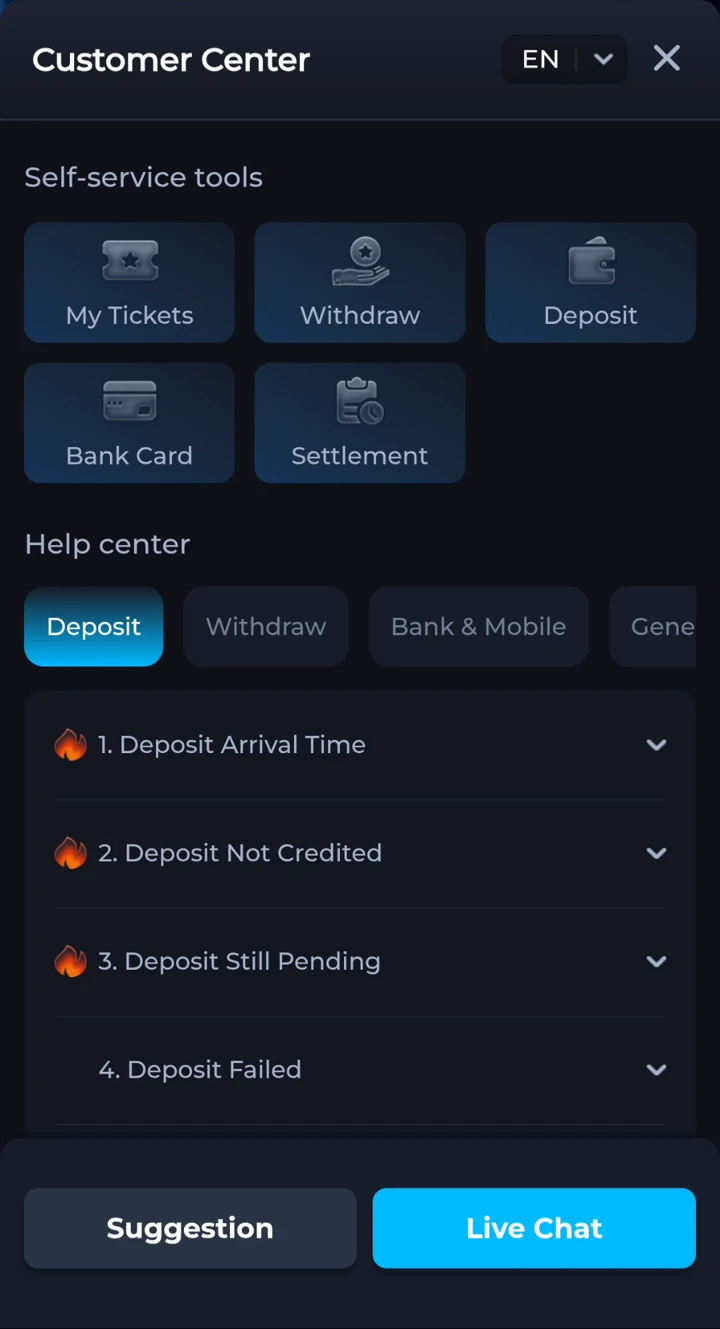 Tap to enlarge
 Do not force an install after a Play Protect warning, an unexplained app identity change or a signature conflict. Save the exact message and follow the relevant guide above. Never send an OTP, password, UPI PIN or bank-login details to someone offering to install or recover the app for you.
COME v1.13, released on 25 September 2026, is the current version listed in this guide. Check the release offered on the download page in case a newer one is available.
It opens the external download page. Choose the Android APK there, wait for the file to finish, then open it from Downloads.
No. APK is an Android package format and cannot be installed on an iPhone or iPad. Android compatibility depends on the package and your device.
If COME is already installed and opens, use Contact CS or the support option in the app. A new download is for first installation or a confirmed update.
Keep the installed app while checking the update and your account recovery method. Do not uninstall or disable Play Protect to force an installation.
Open COME using the access button. The reviewed first screen is Login/Register → E-mail/Mobile No. (omit country code) → Continue. Returning users should use their existing account identifier. New users should follow the next prompt actually presented.
The available recordings start after sign-in and do not show the full registration sequence. We have not assumed that Continue always sends an OTP or that every account uses a password. For password reset or missing codes, use COME login and OTP help.
Get the Android app if you need it, then open the category that matches your interest and read its current rules.
comeplaygo.com is an independent information and affiliate guide. Download buttons open an external partner page and may generate commission. This site does not host the APK or manage COME accounts or payments. 18+ · Local eligibility and responsible use.