
Player-team contest
Select a match, choose players within the credit limit and enter an available contest. Real match performances produce fantasy points.
Follow the team steps →COME Fantasy has two distinct flows: build a player team for a contest, or choose a prediction outcome. Start with the format you want, then follow its own entry record and rules.
Already have COME? Open the app on your phone. Get login help →
Select a match, choose players within the credit limit and enter an available contest. Real match performances produce fantasy points.
Follow the team steps →Read a question or match outcome, lock time and choices. Review the amount and result conditions before submitting.
Follow the prediction steps →Open Fantasy and choose Cricket or Football. Match the teams, competition, format and deadline.
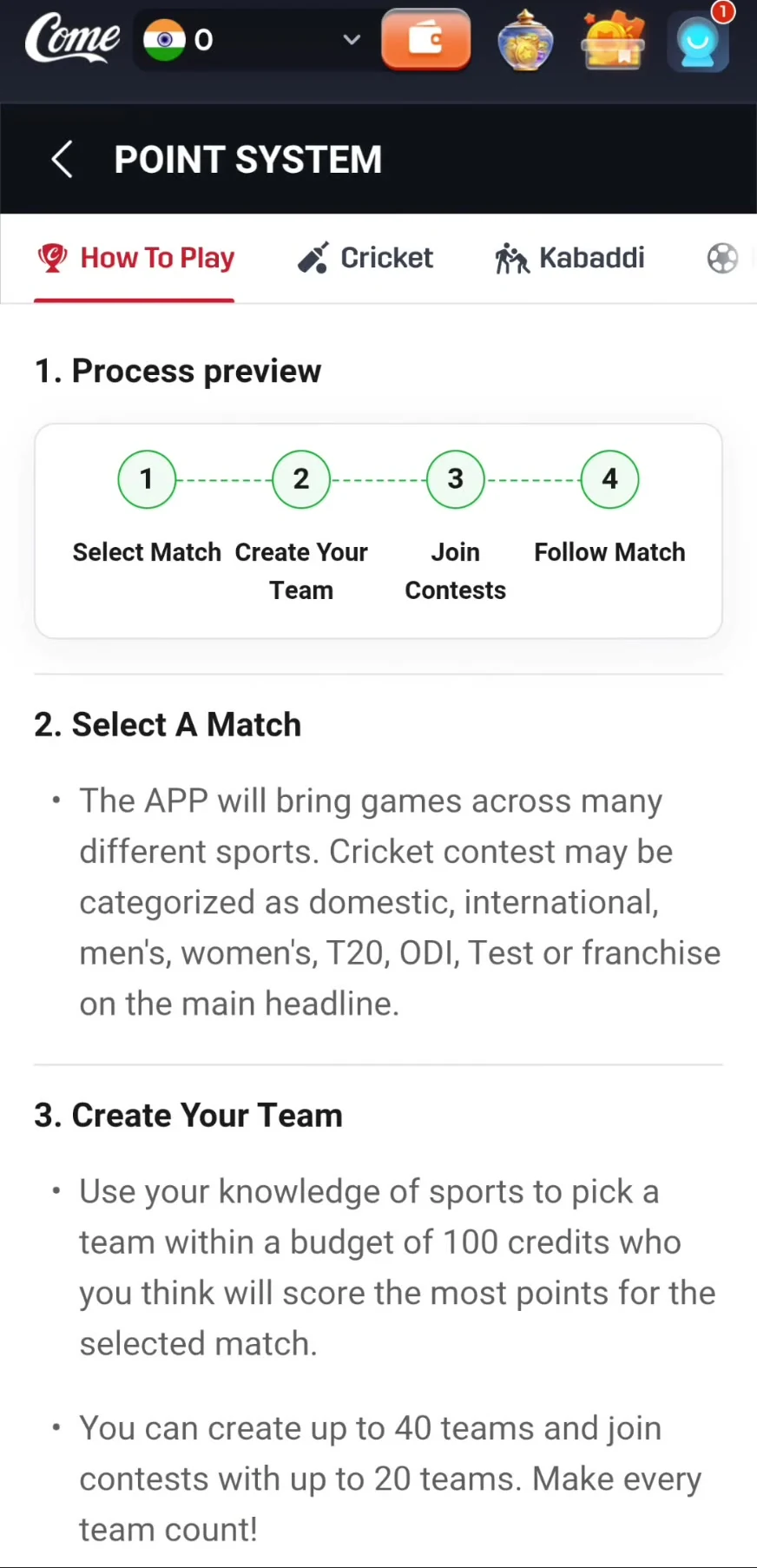
The recorded How to Play screen describes a budget of 100 credits. Credits are player-selection costs; follow the role and team-combination limits shown for the contest.
The recorded T20 table gives the captain 2× and vice-captain 1.5×. Check the selected sport and format rather than copying a different app’s rules.
The instructions describe free, paid and private contest formats. Read the entry fee, available places, prize conditions and applicable terms before confirming.
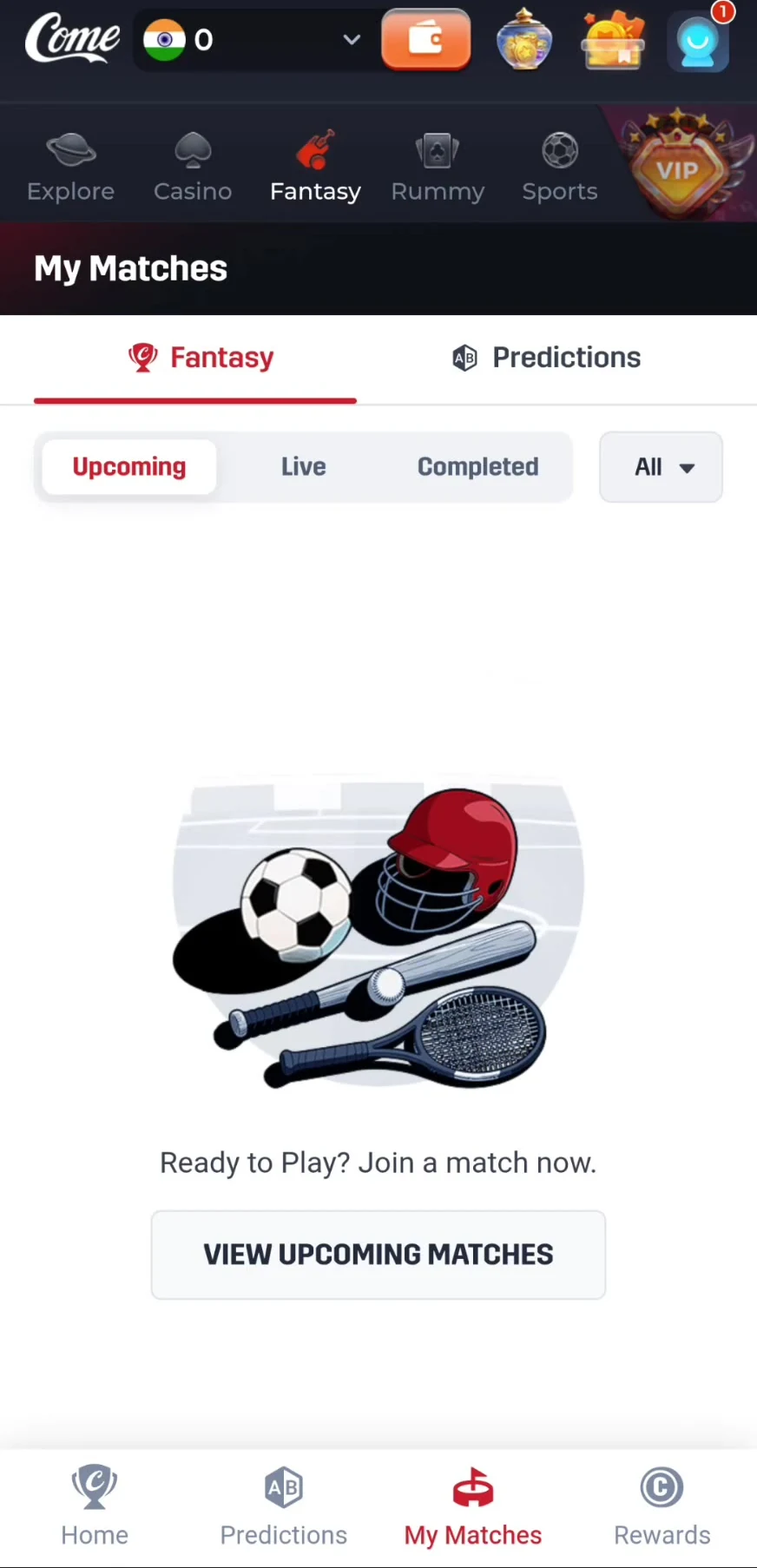
Use My Matches → Fantasy and the relevant Upcoming, Live or Completed view. A saved team is not by itself proof that you joined a contest.
 Tap to enlarge
 The dated instructions mention creating up to 40 teams and entering a contest with up to 20. Treat those as recorded limits, not a promise for every current contest. Use My Teams on the match page to edit before the actual deadline.
Read the teams and period. A question about one player or innings is different from the full-match winner.
The recording shows Yes/No questions such as “Any bowler take 3+ wickets?” as well as outcome choices for matches.
Selecting a displayed choice opens a Buy Yes or corresponding outcome panel. Review the amount, displayed potential winnings and lock time. A displayed potential amount is not a promised result.
After following the current confirmation flow, check My Matches → Predictions. An open amount panel alone does not establish a submitted entry.
The recording opens the prediction amount panel but does not complete a paid submission. Follow the current confirmation message and entry record; the T20 player-points table does not determine a Yes/No outcome.
Credits constrain which players you can select. Fantasy points come from the selected players’ real performances. The captain multiplier changes a player’s point contribution. A Fantasy Coins balance appears separately in Rewards for entry-fee discounts.
For a clear example using the recorded T20 rows, see how a 46-point player score becomes 92 as captain or 69 as vice-captain.
The recorded Football instructions specify 11 players, no more than 7 from one real-life team, and a 100-credit cap. They also show a player-combination table, but its rows are not fully visible in the recording. Follow the complete role limits in the current Football contest.
Football fantasy points are tied to player performances such as goals and assists. The recording does not establish a full Football points table, so Cricket point values are not reused here. For football events and markets without player-team selection, use COME Sports.
My Matches keeps Fantasy and Predictions separate. Check the correct format and status. Live fantasy points can change while a match is In progress or Waiting for review; a final contest result is a later stage.
For a delay, cancellation or missing result, use match timing and result-status checks. For a support request, keep the match, contest or prediction, entry details and visible issue.
 Tap to enlarge
 Team selection, a credit budget and captain choices are familiar fantasy concepts, and they also appear in COME’s own recorded instructions. COME additionally has predictions, a separate Sports area, Casino and Rummy. These shared concepts do not establish a brand relationship or identical scoring.
Read the COME vs Dream11 comparison →No. COME has player-team contest instructions and a separate prediction flow. Choose the format and use its own rules.
In the recorded interface, open Fantasy → Rewards, then How to Play, Points System or Help and Support.
Football appears in the recorded Fantasy section and has 11-player, team-limit and credit-cap instructions. Active fixtures can change.
Use My Matches → Fantasy for team contests and My Matches → Predictions for predictions. Check the actual accepted entry, not only a saved team or amount panel.
Use COME’s own sport and format rules. Shared fantasy features do not make the point systems interchangeable.
For the account panels after a match, see COME Fantasy Rewards, Skill Score and Coins.
Interface and rules reference: supplied mobile recording dated 31 August 2026, reviewed 10 September 2026. Available contests and rules can change. Read the terms shown for the match you choose.
Editorial update: · comeplaygo.com Editorial Team