
Prepare a player shortlist
Check the match, announced team, player roles and entry deadline before finalising a fantasy selection.
Use the IPL team-selection checklist →Prepare for IPL fantasy cricket with a clear route from the fixture to team selection, scoring and match records. Start with the checklist, then use the COME guide that answers your next question.
COME buttons open an external access page. Already installed? Open the app on your phone.
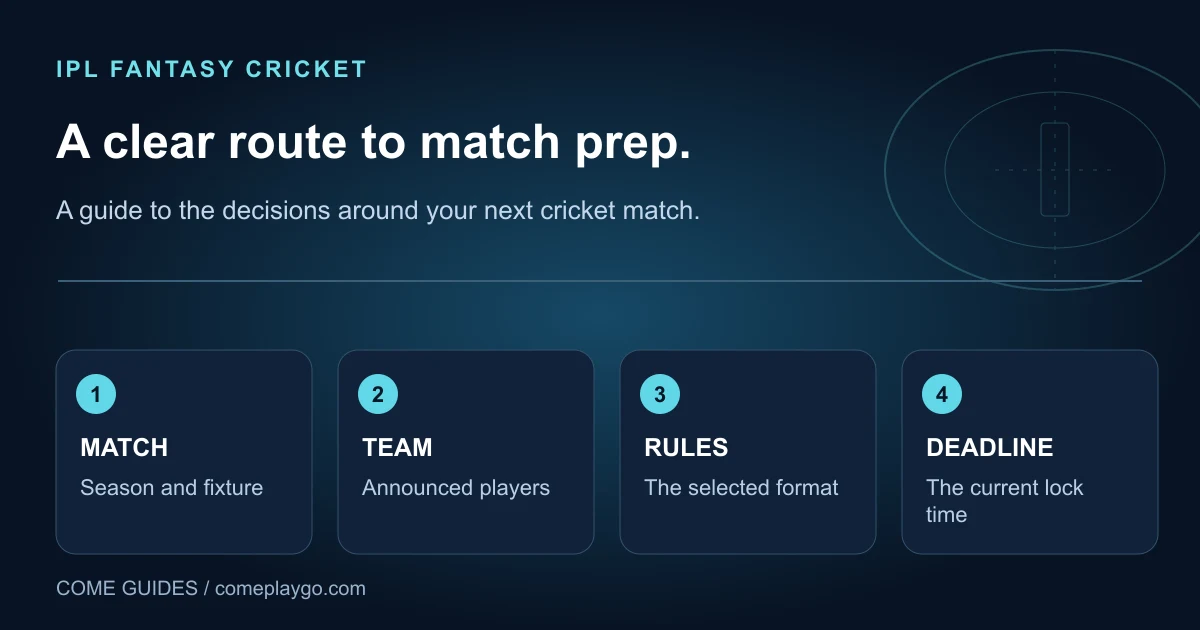
Check the match, announced team, player roles and entry deadline before finalising a fantasy selection.
Use the IPL team-selection checklist →Explore Cricket player-team contests, predictions, rewards and the guides that explain them.
Explore the COME Fantasy guide →Prefer the event and market view? Start with the Sports section and its documented mobile interface.
Explore the COME Sports guide →Today’s fixtures in IST with our one-line view and a link to the full preview.
Open today’s match prediction →“IPL fantasy” can describe a single-match contest, a season-long squad or a draft league. Before choosing players, check whether the entry covers one fixture or several, when changes lock and whether transfers or squad limits apply.
A player list that makes sense for one match may not fit a season-long format. Keep the chosen platform’s rules with the entry you are preparing. This COME guide is separate from the Official IPL Fantasy service and does not use that service’s rules as COME rules.
Use the official IPL fixtures and results for the competition record. Then match that fixture to the one listed inside your chosen app. If it is not offered in COME, this guide does not create or confirm an available entry.
Follow the documented COME sequence for match selection, team creation and a separate contest entry.
Read the COME Fantasy walkthrough →See the dated batting, bowling and fielding reference, captain multipliers and a worked example.
Read the COME T20 points reference →Understand lock times, live-point changes, review and completed records.
Check match timing and result stages →Distinguish match points from Skill Score, Fantasy Coins and reward details.
Understand COME Fantasy rewards →Opens the external COME access page. Choose the section after opening the app.
A Sports market and a Fantasy player team can refer to the same cricket fixture but use different conditions and records. If your task is to find a league, read event labels or locate a Sports record, follow the COME Sports mobile steps.
Look for the actual fixture in the current list before continuing. A league name, past screenshot or live score on another website is not confirmation that a particular COME market or video stream is available.
For squad and competition changes, consult the official IPL team pages and IPL news and announcements. Recheck dates on any match preview you use; a pre-season squad analysis is not a confirmed team for today.
This is an evergreen preparation directory. It does not publish live scores, today’s playing XI or a season-specific schedule. The linked competition pages handle those changing facts; the COME guides explain the recorded app tasks.
No. This is the IPL preparation directory on comeplaygo.com, an independent COME information and affiliate guide. The Official IPL Fantasy service has its own website and rules.
Use the current COME contest’s player limits, credit budget and scoring. Different services or formats may use different conditions, so a team valid elsewhere may not fit the selected COME contest.
It provides preparation steps and related guides, not a real-time lineup. Check the latest match information and the announced team before using a selection.
Open COME and look in the relevant Cricket section. Availability must be established from the current app list for your account; it is not confirmed by this directory.
Product references: COME mobile recording dated 31 August 2026 and mobile interface material reviewed 8 September 2026. Guide updated 12 September 2026. Screens show examples from those sessions. Check the rules and availability shown in your current account.
External access link · 18+ and current local eligibility apply.
Read the difference between a squad, probable XI and confirmed XI, learn how to read a cricket scorecard, or calculate bowling economy using overs notation. These evergreen guides are separate from the dated fixture or platform information above.