
COME Cricket: Match Timing, Points & Results
Check the match deadline, the status of your entry and whether points are still under review. COME Cricket match time, live fantasy points and a completed result are separate stages.
Already have COME? Open the app on your phone. Get login help →
On this page
Before the match: check the deadline on that entry
Match cards show the teams, format and start information. Prediction cards also show a Lock Time. Use the actual card and contest you intend to enter; a saved screenshot or an earlier countdown is not a current deadline.
The team-contest instructions allow edits before the match deadline through My Teams on the match page. A team saved in the builder is not proof that a contest entry has been accepted. Look for the relevant entry record.
Follow the Fantasy team steps →Early starts, late starts and revised deadlines
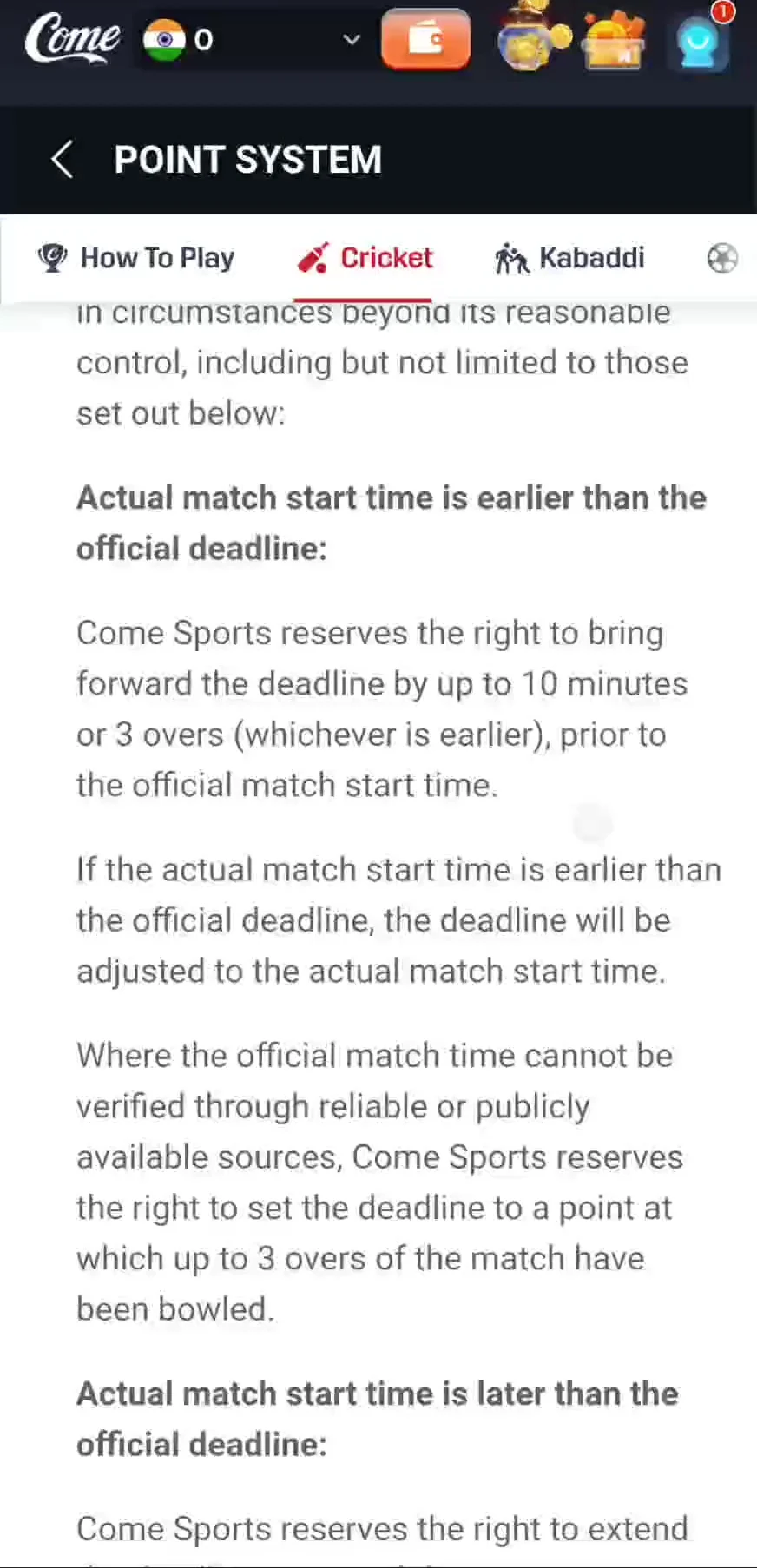
- Early start: the recorded text says the deadline can move to the actual start and refers to bringing it forward by up to 10 minutes or 3 overs, whichever is earlier.
- Unverifiable start time: the text describes a deadline set at a point up to 3 overs into the match. This is a platform adjustment provision, not a promise of late entry.
- Delayed toss, weather or technical delay: the recorded rules allow the deadline to be extended or the contest cancelled.
Follow the deadline shown in the current contest. Do not assume a delay automatically reopens editing, or that every cancelled match has the same refund rule.
 Tap to enlarge
 During the match: live points may still change
A player’s runs, wickets and catches contribute to fantasy points under the selected format. The recorded rules say points can be revised while a match is In progress or Waiting for review. A changing live score is therefore different from a final settlement error.
Use the COME T20 scoring reference for the point components. For a Yes/No prediction, check the specified question and result conditions instead of the team-scoring table.
Find the correct My Matches record
| Your entry | Where to look |
|---|---|
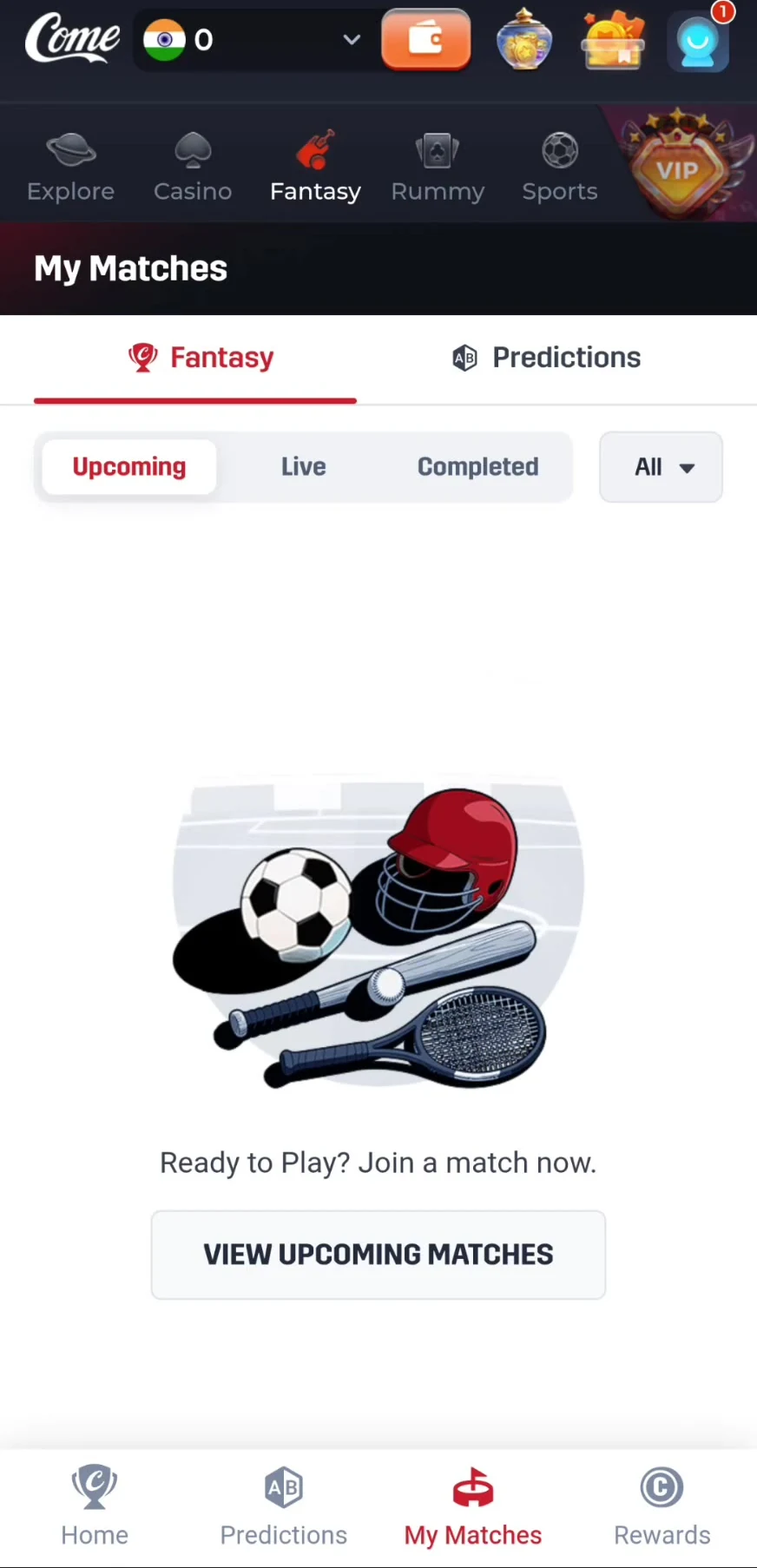
| Player-team Fantasy contest | My Matches → Fantasy → Upcoming, Live or Completed |
| Prediction | My Matches → Predictions → Open or Completed |
| Fantasy entry fee or refund record | Rewards → Game History → Fantasy; the recording shows Entry Paid, Entry Refund and Winnings |
| Sports event-market entry | Use the record in Sports, such as My Bets |
 Tap to enlarge
 After completion: points, winnings and withdrawals
The Fantasy help text in the recording says winnings are usually received within three hours after match completion and winners being declared. This is a dated help statement, not a measured delivery guarantee. A match ending, a contest being completed, a wallet credit and a bank withdrawal are different events.
The recording does not show a full abandoned-match refund schedule. If your contest was cancelled, inspect its record and refund entry, then contact support with the contest details rather than assuming a universal refund deadline.
If the record still looks wrong
Confirm the event
Match the teams, date, format and contest or prediction. Similar fixtures can have different records.
Capture the discrepancy
Save the visible status, player/event, entry amount and the amount you believe is missing. Keep screenshots readable.
Use Settlement Issues
Open the account menu → Contact CS → Customer Center → Settlement Issues. The recorded form asks for Select Match, Entry Fee, Amount Due, screenshots and a description.
Follow the existing ticket
Use My Tickets to track the case. A ticket submission is a support request, not confirmation that an adjustment or refund was approved.
Frequently asked questions
Can I edit my COME Fantasy team after creating it?
The recorded instructions allow editing through My Teams before the match deadline. A revised deadline or locked contest can change availability.
Why do my live COME points change?
The recorded rules allow updates while a match is In progress or Waiting for review. Check the status before treating a live total as final.
Does a cancelled match always mean an immediate refund?
A complete cancellation/refund schedule was not shown. Check the selected contest and its Entry Refund record or ask Settlement Issues support.
For the wider route from match selection to points and rewards, return to COME Fantasy.
Find the next COME Fantasy explanation
About the screenshots and rules
Interface and rules reference: supplied mobile recording dated 31 August 2026, reviewed 10 September 2026. Available contests and rules can change. Read the terms shown for the match you choose.
Account-help reference: supplied mobile Customer Center recording reviewed 8 September 2026; rechecked 10 September 2026.
Editorial update: · comeplaygo.com Editorial Team